
The iOS YouTube app for your self-hosted library
Streams from your media server. Built around YouTube downloads with PiP, background audio, and lock screen controls.
 Jellyfin
 Tube Archivist

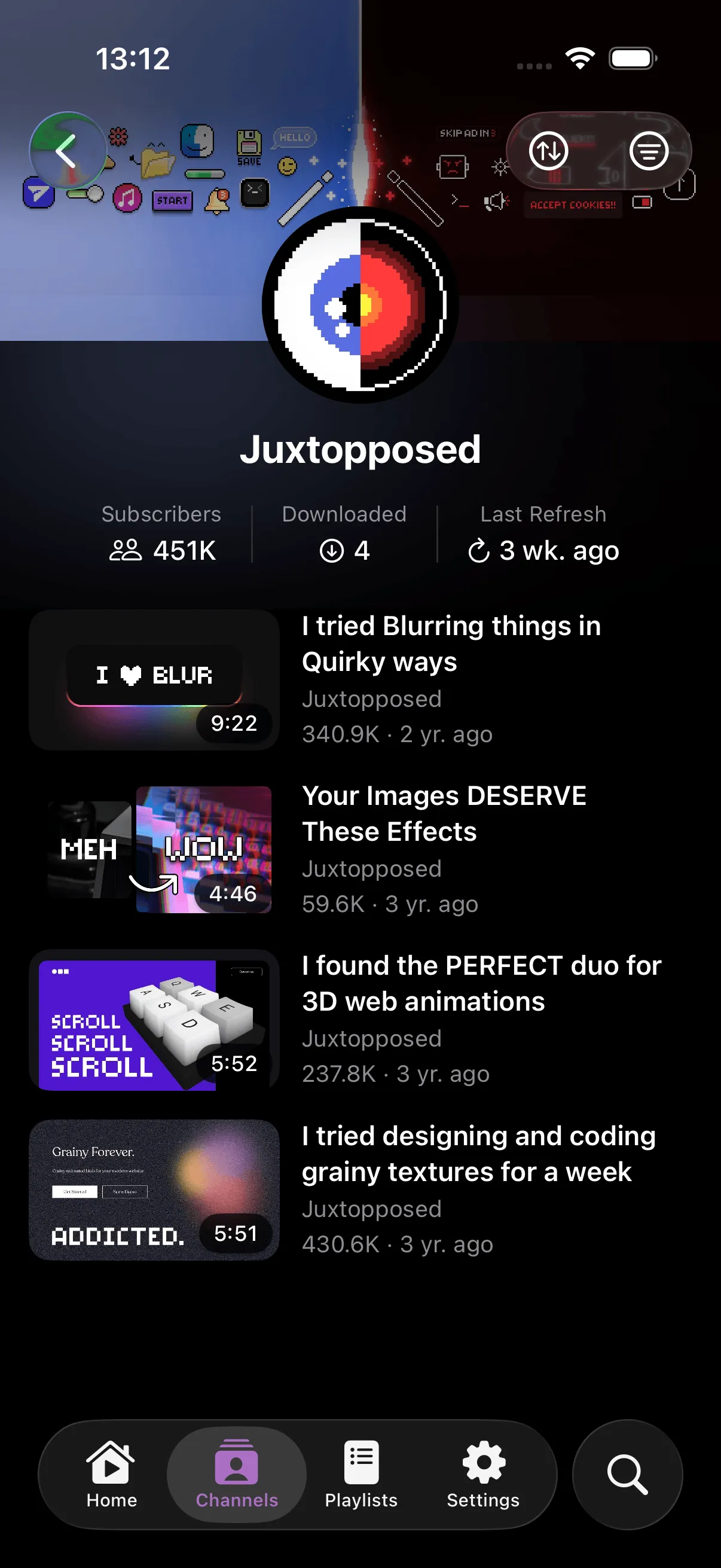
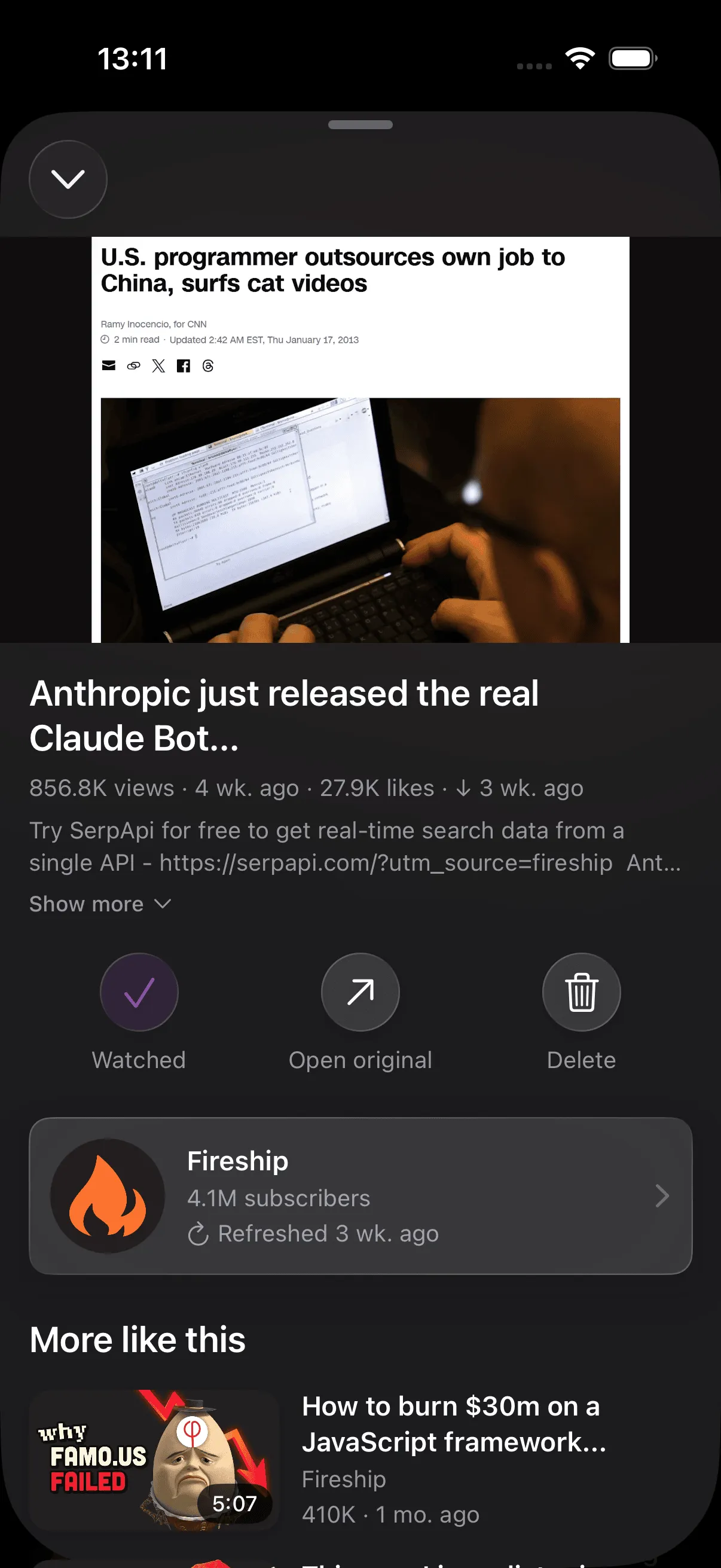
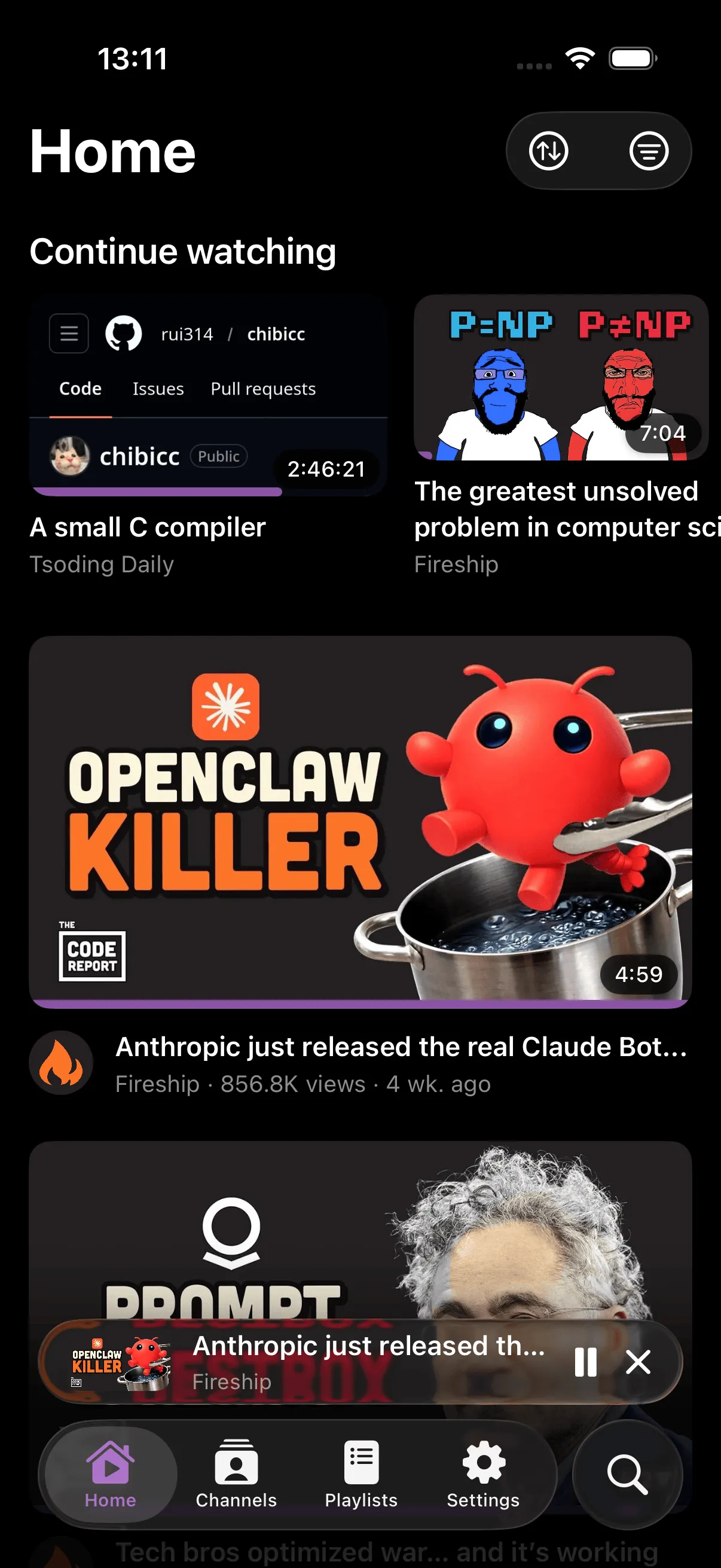
Not another media player.
Built from scratch for YouTube libraries and iOS.
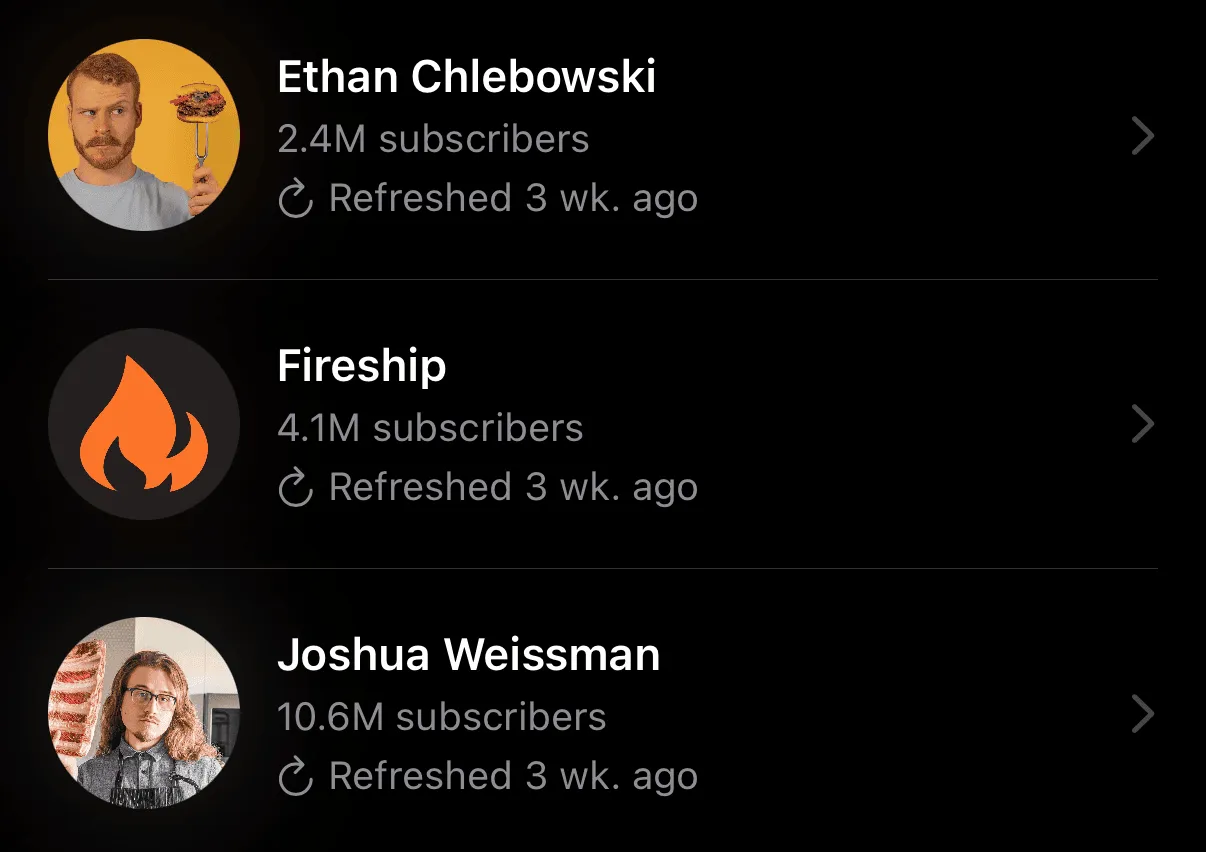
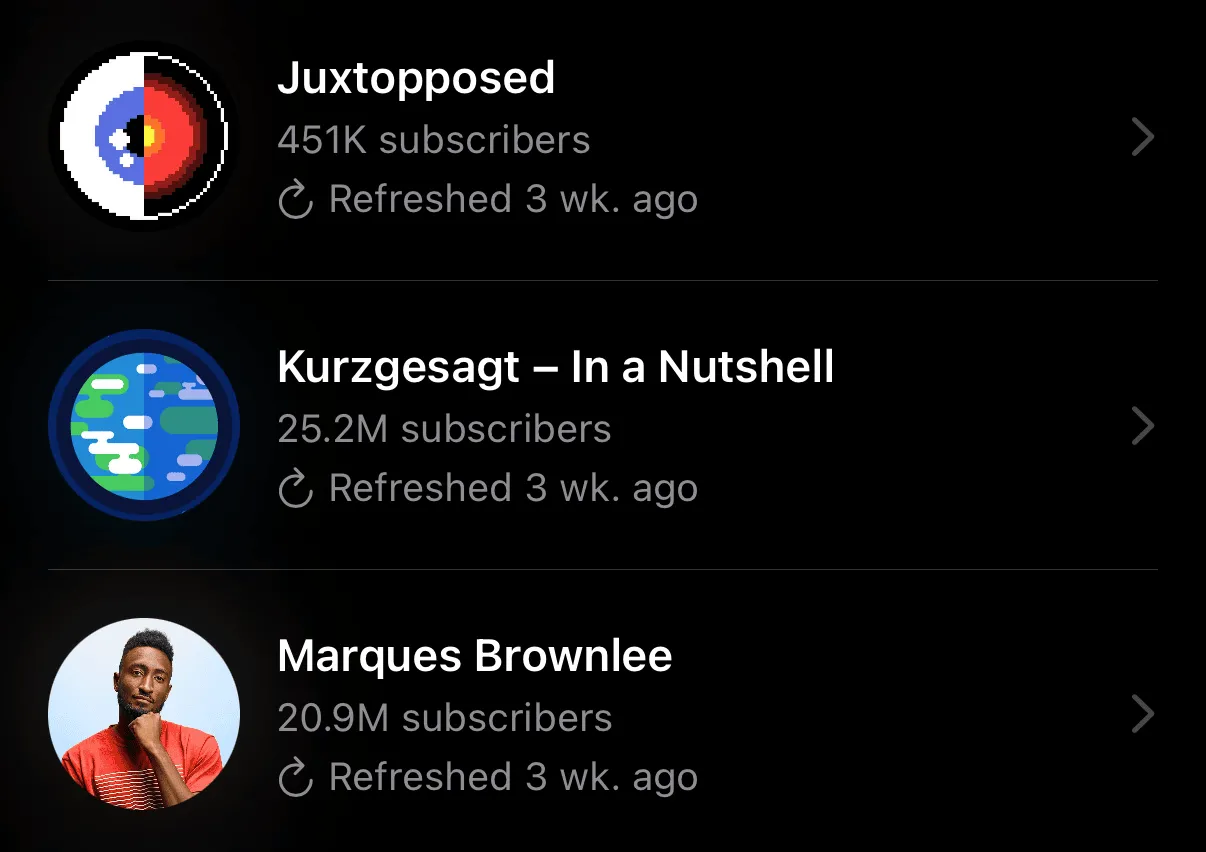
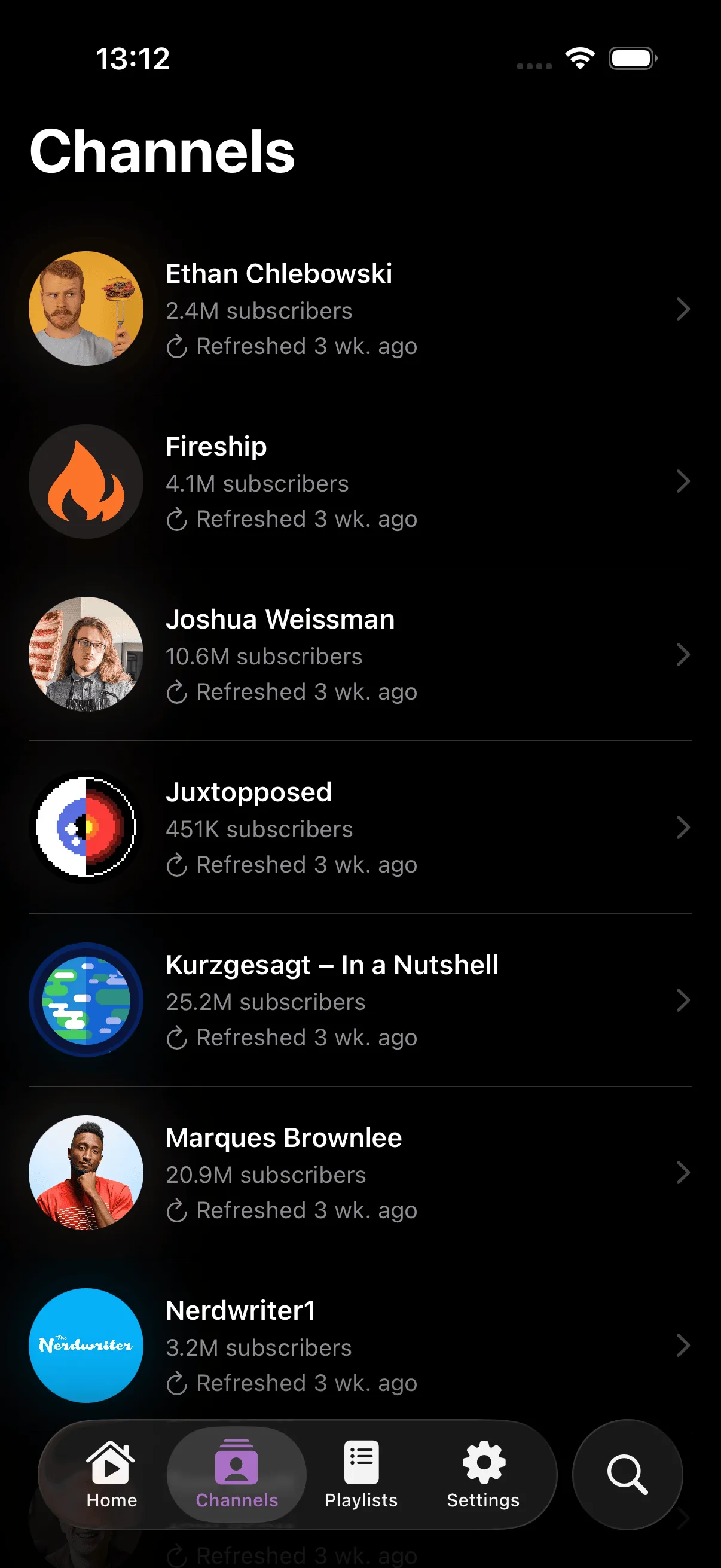
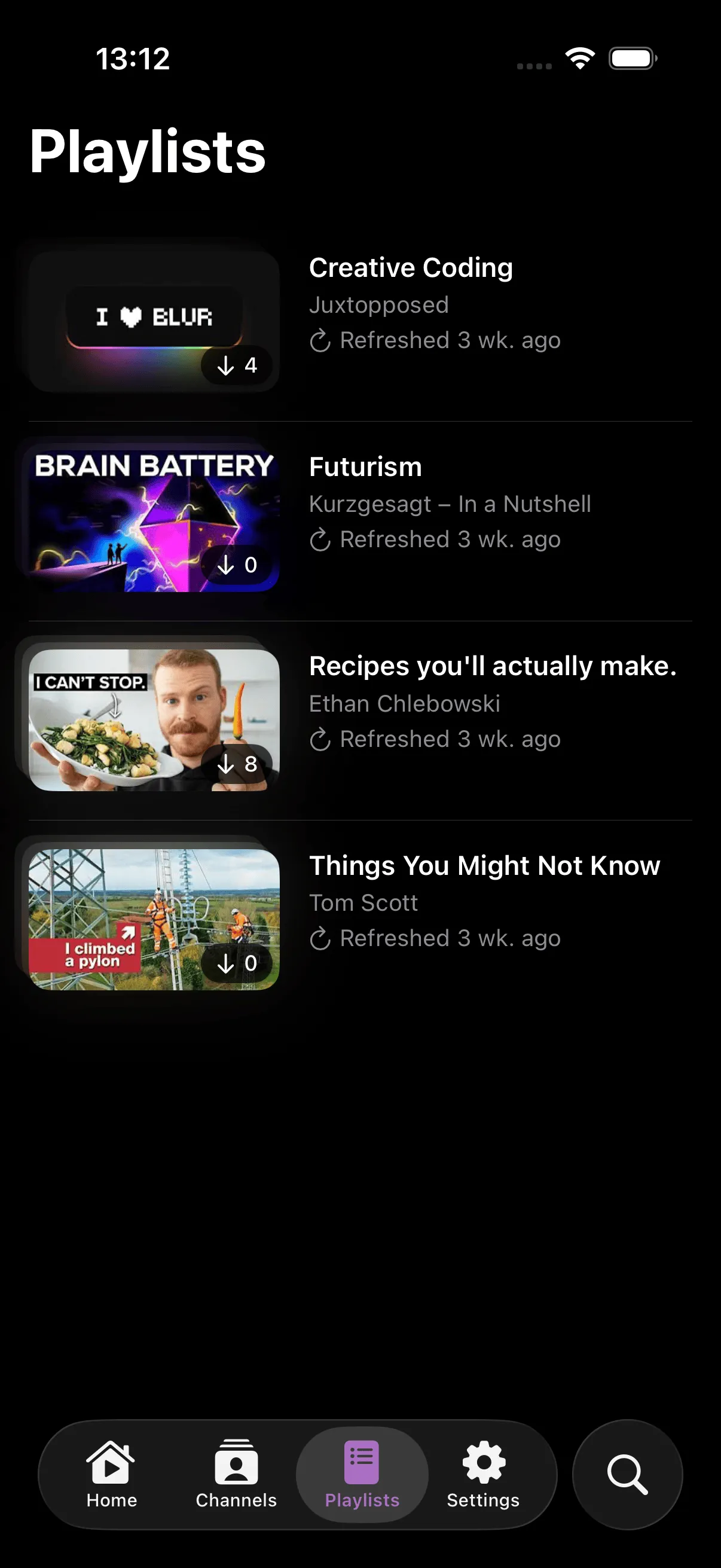
Channels, not folders
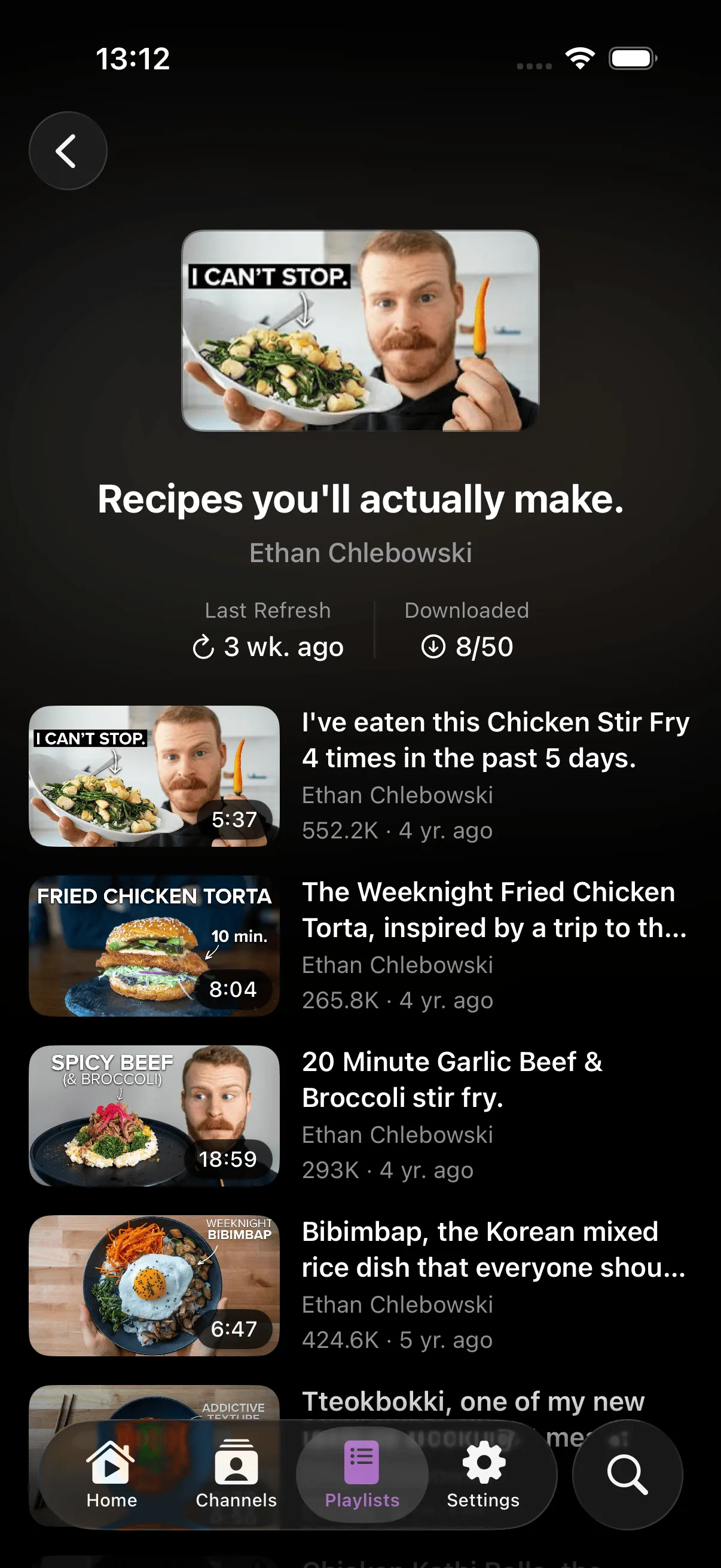
Your library organized the way YouTube does: channels, playlists, and watch history. Not generic media categories.
Any format just plays
VP9, AV1, WebM: Jellyfin transcodes to HLS for the native iOS player. No re-downloading.
Plays from your server
Streams directly from Jellyfin or Tube Archivist. No proxy, no extraction, no YouTube dependency.
Picture in Picture
Keep watching in a floating window while you use other apps. Works like any native iOS video player.
Lock Screen & Background Audio
Play, pause, skip, and seek from the Lock Screen and Control Center. Audio keeps playing when the screen locks.
Mini Player & AirPlay
Persistent mini player while you browse. AirPlay to any compatible screen.
Works with your setup.
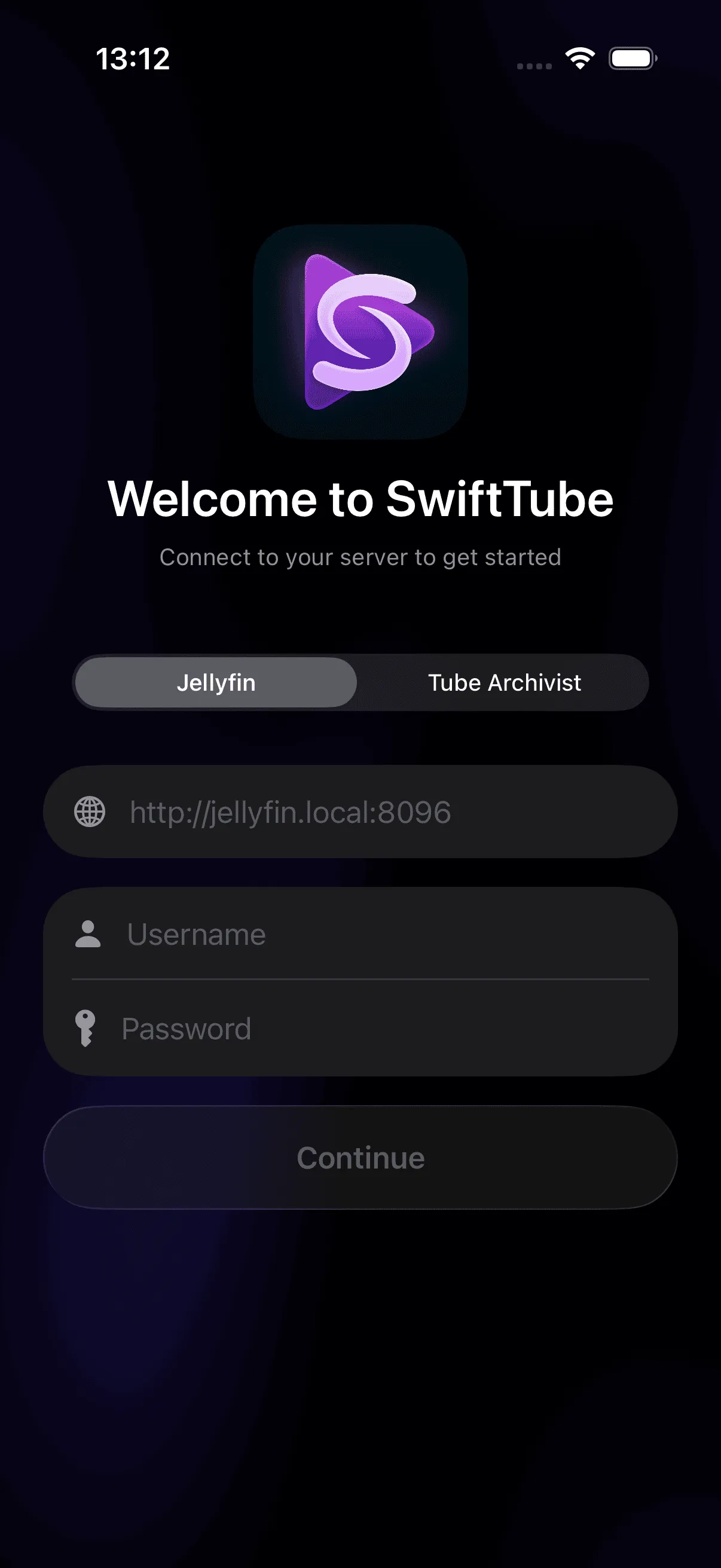
Jellyfin, Tube Archivist, or both. Connect and start watching.

Jellyfin
Any format, any downloaderWorks with any YouTube downloader that feeds into Jellyfin: Pinchflat, ytdl-sub, and others. Transcoding handles any format automatically.
Add a YouTube metadata plugin (ankenyr recommended) for channel names, thumbnails, and dates.

Tube Archivist
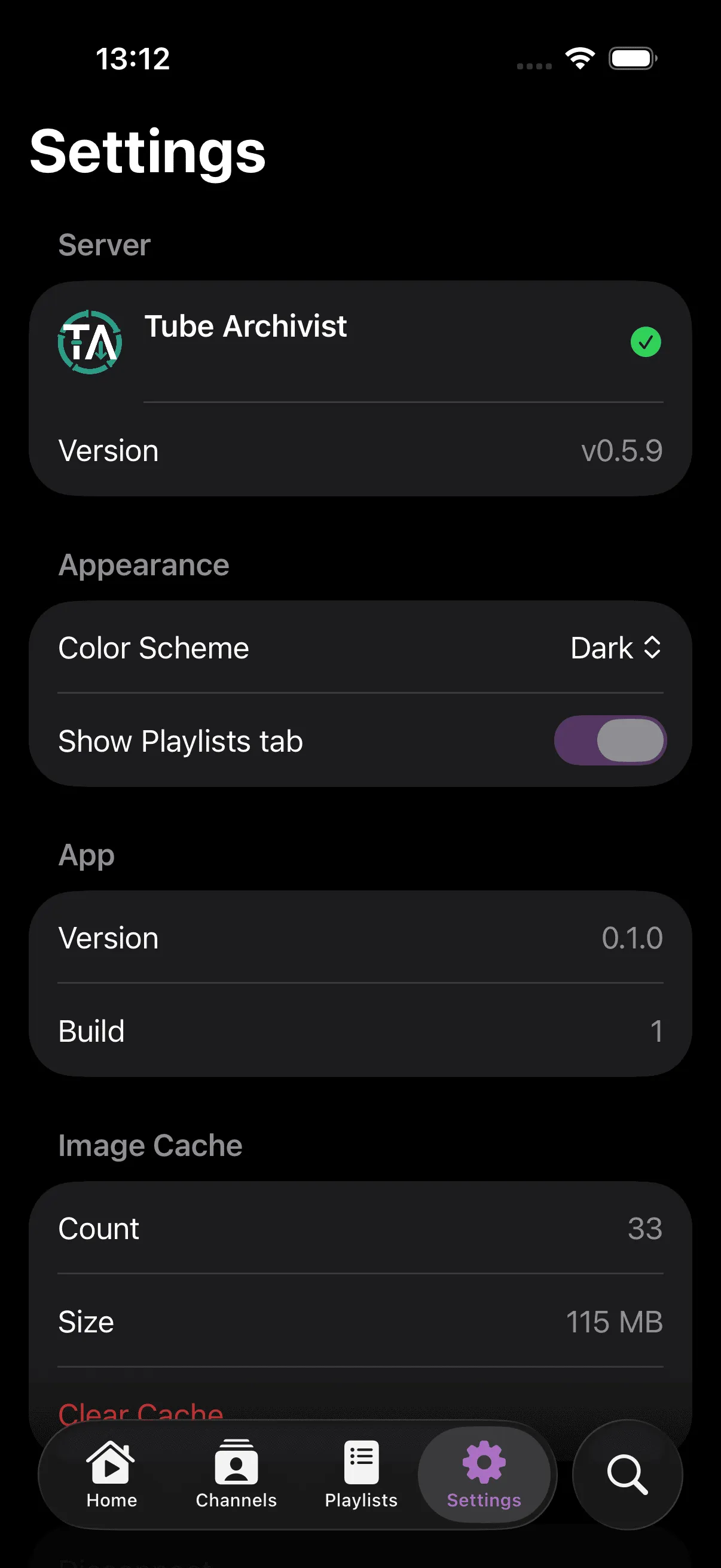
Full Tube Archivist integrationView counts, likes, subscriber counts, and full channel stats, pulled directly from your Tube Archivist API.
Requires H.264 format:
Set in Settings > Downloads > Format. New downloads use this automatically.

TA + Jellyfin
Metadata + transcodingInstall the official TA-JF plugin to sync your Tube Archivist library into Jellyfin.
Connect SwiftTube to Jellyfin instead of TA directly. You get TA's metadata (view counts, channel stats) plus Jellyfin's transcoding for any format.
Need more details? Read the full setup guide on GitHub.
A clean, familiar interface.
Browse, watch, and pick up where you left off.
Try it free on TestFlight.
No account needed. Install and connect your server.
Requires iOS 26.2+.
Questions or ideas? Open an issue
